
Part I. Awareness & Digital Threats
-
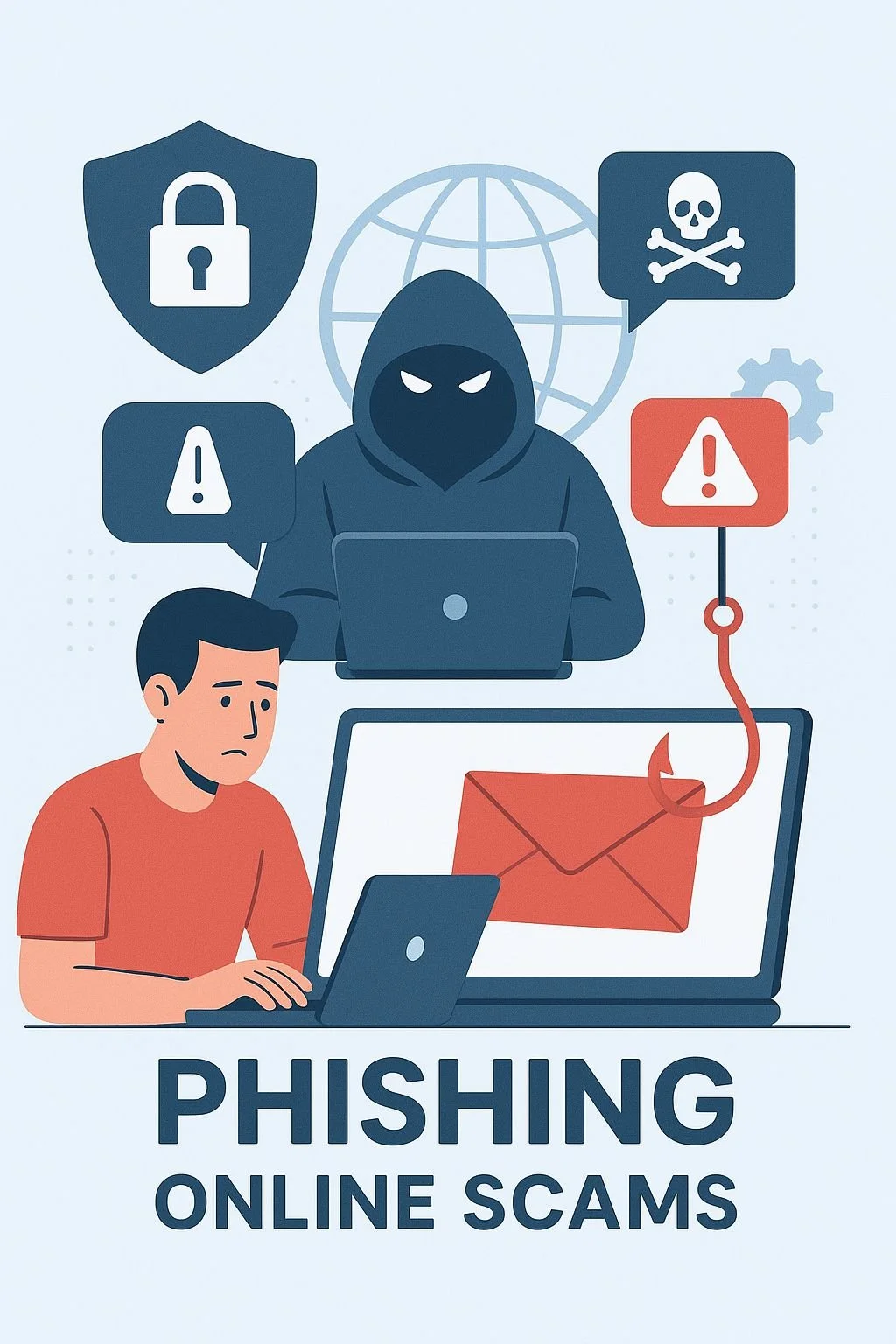
In this module, you’ll discover how cybercriminals trick people online — especially through phishing, fake websites, and other common attacks. You’ll learn how to recognize these threats, avoid them, and protect your accounts.
Phishing awareness is often low among young people, which makes this module especially important.
What Is Phishing?
Phishing is when someone tries to trick you into giving away personal information — like your password, username, or credit card details — by pretending to be someone you trust.
Cybercriminals often disguise themselves as:
a game company
a social media platform
a bank
a delivery service
even one of your friends
They use emotional tricks like urgency, fear, or curiosity to make you act quickly.
How Phishing Usually Works
🪝You receive an email, DM, text, or pop‑up that looks official.
🪝It claims there’s a problem with your account or offers something exciting (a prize, free credits, a giveaway).
🪝It urges you to click a link.
🪝The link leads to a fake website that looks real.
🪝If you enter your password, the attacker steals it.
What Happens If You Fall for It
The attacker logs into your account.
They may lock you out, steal your data, or scam your friends.
They can use your account to spread more phishing messages.
Example
A gamer receives a message saying they’ve won free in‑game currency.
The link leads to a fake login page.
Once they enter their password, the attacker takes over the account and spends all their credits. -
a) Email Phishing
How it works: Attackers send emails that appear to come from legitimate sources (e.g., banks, social media platforms, or colleagues). These emails often contain malicious links or attachments.
Example: An email claiming to be from your bank, asking you to "verify your account" by clicking a link and entering your login details.
Red flags: Poor grammar, generic greetings ("Dear User"), suspicious sender addresses, and unexpected requests for personal information.
Strange sender addresses (e.g., support@faceb00k.com)
Bad spelling or grammar
Urgent or threatening language (“Act now or your account will be deleted!”)
Suspicious links (hover to see the real URL)
b) Spear Phishing
How it works: A targeted form of phishing where attackers customize their messages for specific individuals or organizations. They often use personal details (e.g., your name, job title, or recent activity) to make the message seem more credible.
Example: An email addressed to you by name, referencing a recent project or purchase, and asking you to "confirm your details" for security reasons.
c) Smishing (SMS Phishing)
How it works: Attackers send fraudulent text messages (SMS) to trick victims into clicking malicious links or providing personal information.
Example: A text message claiming to be from a delivery service, asking you to "reschedule your delivery" by clicking a link.
d) Vishing (Voice Phishing)
How it works: Attackers use phone calls or voice messages to impersonate legitimate organizations (e.g., tech support, tax authorities, or banks) and pressure victims into revealing sensitive information.
Example: A call from someone claiming to be from "Microsoft Support," warning you about a "virus" on your computer and asking for remote access.
e) Fake Websites (Spoofing)
How it works: Attackers create fake websites that mimic legitimate ones (e.g., a fake login page for a bank or social media site). Victims are tricked into entering their credentials, which are then stolen.
Example: A website that looks like Facebook but has a slightly different URL (e.g., "faceb00k.com").
Red flags: URLs with misspellings, lack of HTTPS, or poor design.
f) Social Media Phishing
How it works: Attackers use direct messages (DMs) or fake profiles on platforms like LinkedIn, Twitter, or Instagram to trick victims into sharing personal information or clicking malicious links.
Example: A DM from a "friend" asking you to "check out this amazing deal" with a suspicious link.
🧠 Example Phishing Scenarios
A fake email pretending to be from your school asking you to “verify your student account.”
A message saying you’ve won a prize — but you must enter personal information.
A text message from a “bank” asking you to confirm your details.
-
Phishing messages often look convincing, but they always have red flags. Here’s what to check:
1. Suspicious Sender
Strange or misspelled email addresses
Addresses that don’t match the real organization
2. Bad Spelling or Formatting
Grammar mistakes
Weird spacing
Low‑quality logos
3. Generic Greetings
“Dear User”
“Hello Customer”
4. Urgent or Threatening Language
“Your account will be deleted!”
“Act now or lose access!”
5. Suspicious Links
Hover over the link (without clicking) to see the real URL.
6. Unexpected Attachments
Never open files from unknown senders — especially .exe or .zip files.
What to Do If You Suspect Phishing
Don’t click any links.
Don’t download attachments.
Don’t reply.
Go directly to the official website by typing the address yourself.
Tell a parent, teacher, or trusted adult.
Report the message as spam or phishing.
Example
You get a message saying:
“Your Roblox account will be banned unless you verify your password here.”
Instead of clicking, you check the official Roblox website — and see no warning at all. -
Phishing isn’t the only threat you’ll face online. Here are a few more attacks you should know about.
Man‑in‑the‑Middle (MITM) Attack
What It Is
A hacker secretly intercepts communication between you and a website — like someone secretly listening to your private conversation.
Where It Happens
Often on unsecured public Wi‑Fi networks (cafés, airports, malls).
What Hackers Can Steal
Passwords
Personal information
Banking details
Brute‑Force Attacks
What It Is
Hackers use software to try every possible password combination until they find the right one.
Short or simple passwords can be cracked in seconds.
Credential Stuffing
If you reuse the same password everywhere, one breach can compromise all your accounts.
Attackers take stolen username‑password pairs from one site and try them on others.
Cryptojacking
What Is Cryptojacking?
Cryptojacking happens when someone secretly uses your device’s power to mine cryptocurrency — without your permission.
It can happen on:
laptops
phones
tablets
even smart TVs
You usually don’t notice it at first, but your device starts behaving strangely.
Signs of Cryptojacking
Your device suddenly becomes very slow
The battery drains much faster than usual
The fan runs loudly or the device overheats
CPU usage is unusually high even when you’re not doing anything
Ransomware
🔐 What Is Ransomware?
Ransomware is malicious software that locks your files or your entire device.
The attacker then demands money (a ransom) to unlock them.It often spreads through:
infected email attachments
fake downloads
malicious links
How to Protect Yourself
Keep your software updated
Use trusted antivirus programs
Avoid clicking suspicious links
Back up important files regularly
If you have backups, ransomware becomes much less dangerous.
-
Item descCyber attacks often work not because hackers are extremely smart — but because people make simple mistakes without realizing it.
Here are the main reasons these attacks succeed:
1. Weak or Reused Passwords
Many people still use short, simple passwords like 123456, password, or their birthdate.
Others reuse the same password everywhere.
This makes it incredibly easy for attackers to break into accounts.2. Leaked Password Databases
Hackers have access to huge lists of stolen passwords from past data breaches.
If your password appears on one of these lists, attackers can try it on your other accounts.Real‑World Example
A student connects to free Wi‑Fi at a coffee shop to check their email.
They don’t know a hacker is intercepting the connection and capturing their login details.
Within minutes, the attacker can access their account. -
Activity 1: “Spot the Fake Message” Game
Game Instructions
Materials Needed
- Printed message cards
- Scoring sheets
- Pens/pencils
Game Setup
1. Divide class into small groups of 4-5 students
2. Distribute message cards to each group
3. Each card will contain a mix of real and fabricated messages
Scoring Rules
- +2 points for correctly identifying a fake message
- -1 point for incorrectly labeling a genuine message
- Bonus point for explaining why a message seems suspicious
Sample Message Cards
Card 1: Social Media Post
"Scientists discover a pill that makes you instantly lose 20 pounds without diet or exercise! 🤯"
- Likely Fake ✖️
- Potential Red Flags:
* Unrealistic claims
* No scientific source cited
* Sensationalist language
Card 2: News Headline
"Local School Implements Free Laptop Program for All Students"
- Potentially Real ✓
- Verification Steps:
* Check school district website
* Confirm with school administration
* Look for additional sources
Debrief Questions
1. What made you suspect a message was fake?
2. What research techniques can help verify information?
3. Why is digital literacy important?
Learning Outcomes
- Recognize common misinformation tactics
- Develop critical evaluation skills
- Understand importance of source verification
Scoring System
- Correct identification: 2 points
- Explanation of why message is fake: 3 additional points
- Maximum score per round: 5 points
Learning Outcomes
- Improve critical analysis skills
- Understand importance of fact-checking
- Recognize potential misinformation strategies
Discussion Questions?
1. How can you verify information about marine environments?
2. Why is media literacy important?
Additional Example: Marine Research Context
Real Message
"Marine researchers tracked a pod of 12 bottlenose dolphins migrating along the Mediterranean coast using satellite tags."
Fake Message
"Scientists discovered a new species of underwater breathing humans who can live permanently at depths of 500 meters."
Scoring System
- Correct identification: 2 points
- Explanation of why message is fake: 3 additional points
- Maximum score per round: 5 points
Learning Outcomes
- Improve critical analysis skills
- Understand importance of fact-checking
- Recognize potential misinformation strategies
Discussion Questions
1. What made the fake message seem potentially believable?
2. How can you verify information about marine environments?
3. Why is media literacy important?
-
Add a short summary or a list of helpful resources here.