
Part III. Device Safety & Smart Digital Behavior
-
Your device is your digital headquarters. It holds your conversations, your photos, your schoolwork, your memories, your identity. Protecting it isn’t optional — it’s part of protecting your future.
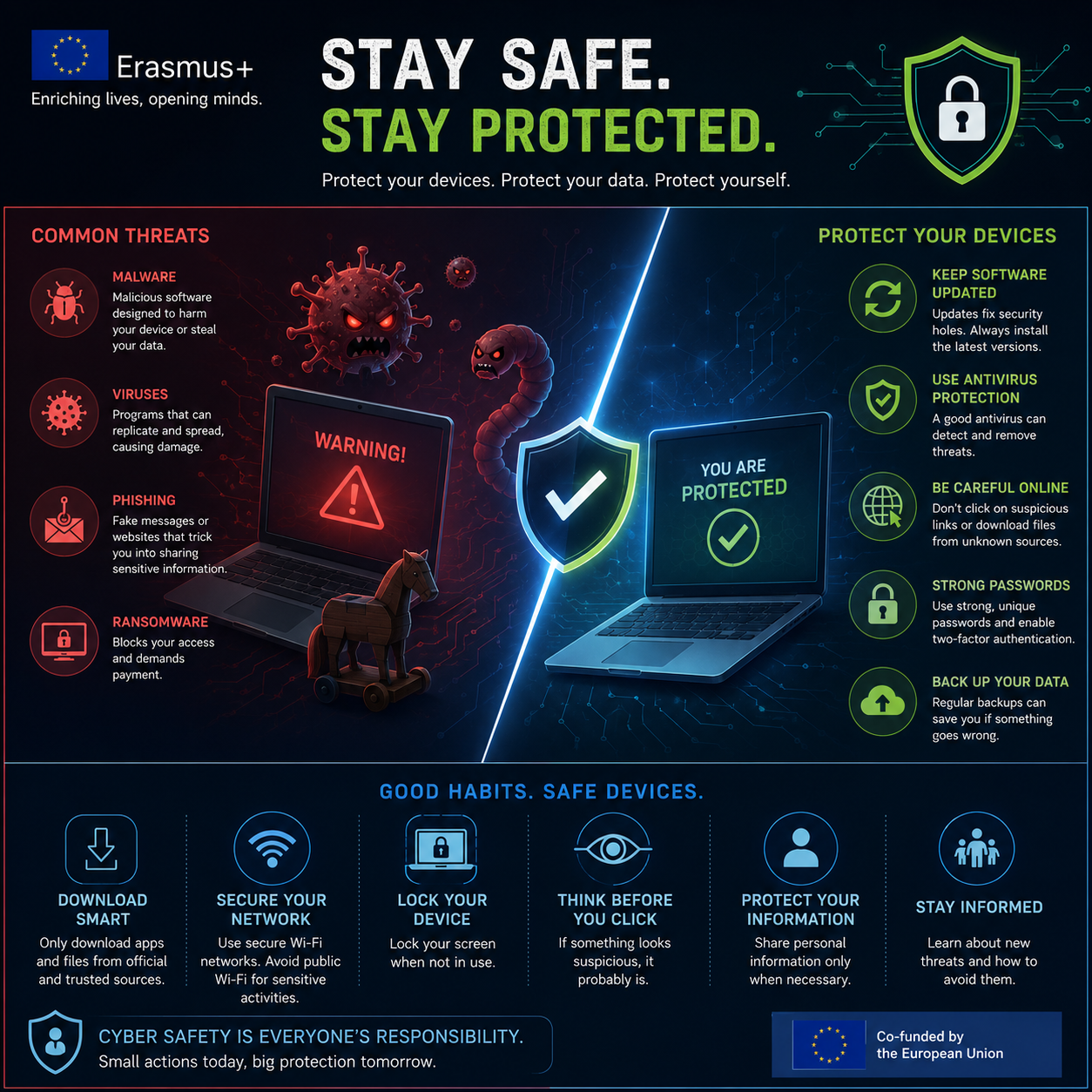
Malware isn’t sci‑fi. It’s software designed to sneak into your phone or laptop and steal, spy, break, lock, or manipulate. Many young people think that installing an antivirus app is enough. It isn’t. Antivirus is a tool, not a force field. Real device safety is a system of layers: security apps, updates, and smart habits.
Ignoring updates or assuming “I’m safe” is one of the biggest risks today. Updates often fix vulnerabilities that attackers already know how to exploit. Real safety comes from combining tools with awareness.
-
Malware comes in many forms, each with its own tricks. Understanding them helps you recognize danger before it reaches your device.
Virus — attaches to files and spreads when you open or share them.
It replicates quickly and can damage or steal data.Worm — spreads automatically through networks without your help.
It can move from device to device silently.Trojan — looks like a normal app but hides harmful code.
Teens encounter this most often in cracked apps, cheats, or “free premium” downloads.Spyware — secretly watches what you do.
It can record keystrokes, screenshots, browsing habits, even mic activity.Ransomware — locks your files and demands payment to unlock them.
It doesn’t steal your files — it kidnaps them.Adware — floods your device with intrusive ads and tracks your behavior.
It slows your device and influences your decisions.Rootkit — gives attackers deep, hidden control over your device.
It bypasses normal security and is extremely hard to detect.Botnet malware — turns your device into a “zombie” controlled remotely.
Your device could be used to attack others without you knowing.
-
Antivirus is helpful — but relying on it alone is like wearing a helmet and then riding your bike blindfolded.
Many young users believe antivirus works like magic. It doesn’t.
Antivirus removes known threats.
It cannot always detect new, unknown, or disguised malware.
It cannot protect you from your own risky actions.
Skipping updates is another huge problem. Updates aren’t just “new features.” They are security patches — fixes for holes that hackers already know how to use.
Ignoring updates is like leaving a window open and hoping the heater solves everything.
Antivirus protects you from part of the problem.
Updates protect you from another part.
Your habits protect you from the biggest part.
-
Real device safety is built on small, consistent habits — not expensive tools.
Install system updates
They close security holes attackers already know about.Update your apps
Many updates include security patches, not just new features.Use a strong device lock (PIN, fingerprint, Face ID)
A locked phone is a protected phone.Avoid cracked apps and pirated software
Most Trojans hide inside “free hacked” apps.Never plug unknown USB sticks into your laptop
USBs can silently install malware.Don’t click unknown links or open random attachments
Many infections start with one click.Use public Wi‑Fi only for low‑risk browsing
Attackers can intercept data on unsecured networks.Create backups (cloud or local)
A backup is your safety net if malware damages or kidnaps your files.Check app permissions regularly
Apps don’t always need full access to your camera, mic, or location.
These habits matter more than any single security app you install.
-
Treat your phone or laptop like something worth defending.
Your Mission
Install one pending update (system or app).
Choose one old app and ask:
“Do I still trust this? Does it really need camera/mic access?”
Remove a permission if it doesn’t.Turn on one safety feature you’ve been ignoring:
screen lock
cloud or local backup
safer download settings
Badge Levels
🥉 Clean Install Cadet → 1 safety action
🥈 Patch Protector → 2 safety actions
🥇 Device Commander Level 1 → 3+ safety actions + update installed
Your reward isn’t a sticker — it’s ownership of your digital space.
-
Add a short summary or a list of helpful resources here.